Lord of Undead Controls
Master recruitment, the Q command wheel, building, and combat inputs on PC.
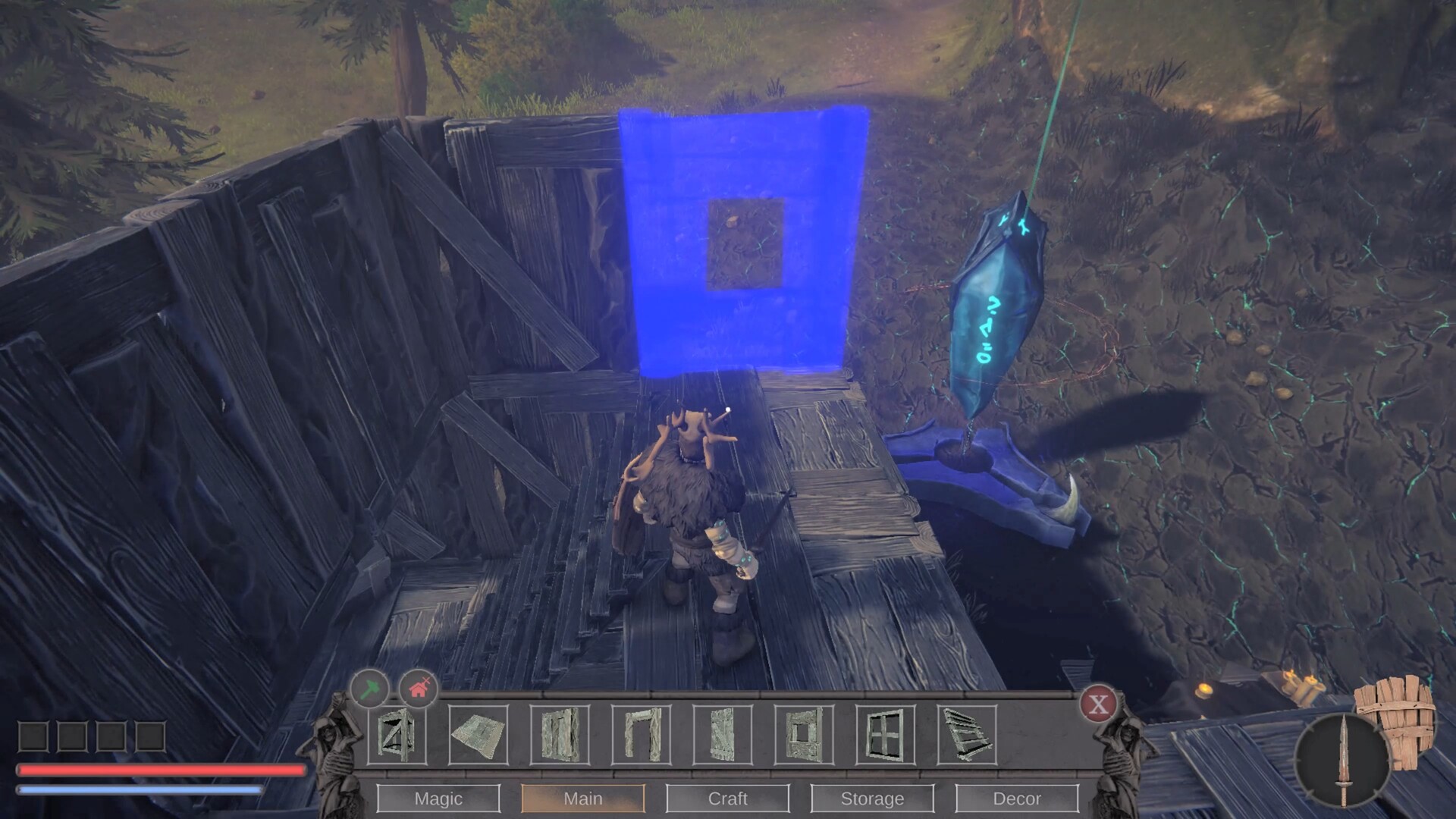
Clean inputs turn Lord of Undead from a chaotic skeleton circus into a disciplined Dark Lord fantasy. This page documents the PC control patterns used throughout Early Access guides on this wiki. Bindings can be rebound in settings; values below match common default behavior shown in launch and demo footage.
Core movement and camera
Move with standard WASD. Adjust mouse sensitivity early — several creators drop sensitivity immediately because camera sway feels aggressive out of the box. Third-person combat rewards stable tracking more than twitch flicks, especially when you are also issuing army orders.
Recruitment and army panel
- Hold F — add nearby undead to your squad.
- G — open the minion overview to inspect damage, weapons, armor, and levels.
- Remove units from the party when you want dedicated base workers who should not trail you into a siege.
Recruitment is how you bootstrap before you can craft fresh skeletons from bones and souls. Always confirm you did not accidentally leave your only warrior on gather duty.
Command wheel and quick orders
The Q key is the spine of army play:
- Tap Q while aiming at a tree, stone node, or enemy to issue a contextual order.
- Hold Q to open the radial command menu: attack, gather, follow, go home, hold position, or move.
Use follow when relocating the whole squad. Use go home before you die in a ditch so workers retreat to blighted safety. Use hold to anchor guardians on a chokepoint while you flank with magic or bows.
Building and blight
- B — open the construction menu.
- Place a Pylon of Darkness first to desecrate land.
- Additional structures generally require blighted ground.
Pylon radius defines where you can grow the fortress. Plan roads and walls inside the circle, then expand blight deliberately. Details live in base building and souls and pylons.
Combat and ability flow
You block, swing melee weapons, fire bows, and cast dark abilities depending on loadout. Abilities such as Soul Harvesting siphon energy from living creatures after you soften them. Watch UI feedback when abilities fire — Early Access patches improved responsiveness, but you still need to finish animations before spamming the next order.
Quick slots in the lower UI hold teleport stones and potions; drag items in from inventory. Void urns recycle unwanted gear so your chests stay useful.
Inventory and crafting hygiene
Open inventory to equip yourself and to dress minions. Crafted weapons can be assigned per skeleton. Research panes unlock recipes such as archer kits and better benches. Keep raw bones, ligaments, wood, stone, and essence sorted so mid-fight looting does not brick your build queue.
Accessibility and performance notes
If the game hitching spikes near base, check for raid spawns — players report lag when attackers path into an open courtyard. Walls and assigned guardians reduce surprise CPU spikes as much as they reduce deaths. Partial controller support exists on Steam, but keyboard-and-mouse remains the precise way to micro the Q wheel.
Practice routine
- Recruit two skeletons with F.
- Send one to a tree and one to stone with tap Q.
- Hold Q → Follow, walk ten meters, then Hold → Gather again.
- Place a pylon with B and confirm blight visuals.
- Open G and equip a scavenged weapon on your fighter.
After that drill, return to Getting Started or jump into undead army tactics.
Frequently Asked Questions
Quick answers to the most common questions.
What does the Q key do?
Tap Q for a contextual gather or attack order on your crosshair target. Hold Q to open the full command wheel.
How do I recruit skeletons?
Hold F near recruitable undead to add them to your squad, then manage them in the G panel.
Which key opens building?
Press B to open construction. Place a Pylon of Darkness before most other structures.