Lord of Undead PC System Requirements
Know the Steam specs and how army sizes stress your machine.
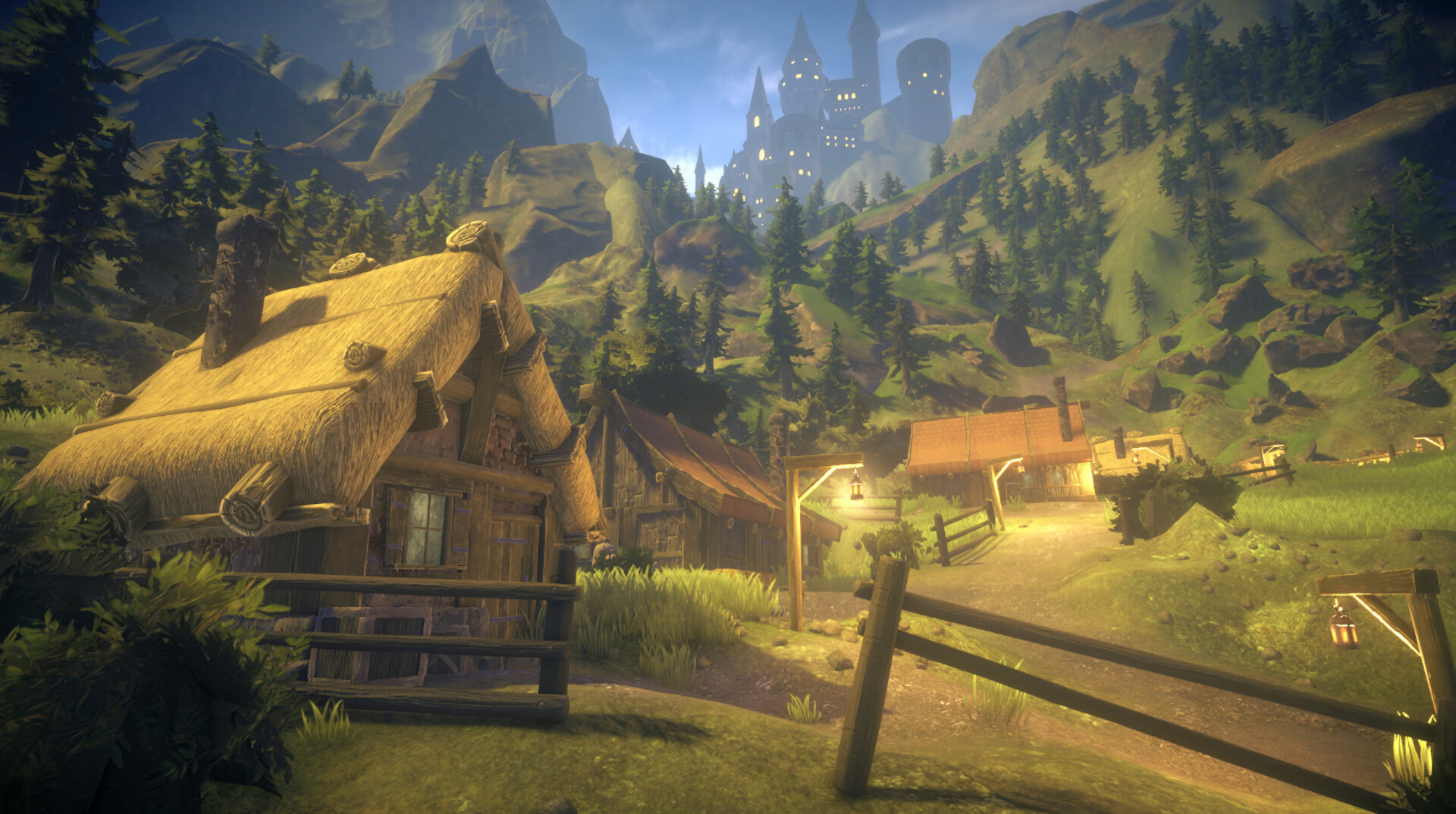
Lord of Undead is a Windows PC Early Access title. Specs below mirror the public Steam storefront for app 4018330 and should be rechecked if Megame updates them.
Minimum
- OS: Windows 7 64-bit or newer (Steam itself prefers modern Windows 10+ clients)
- CPU: Intel Core i3 / AMD Phenom class
- RAM: 6 GB
- GPU: GeForce GTX 1050 class
- Storage: 6 GB available
Recommended
- OS: Windows 10 64-bit or newer
- CPU: Intel Core i5 / AMD Ryzen 5 class
- RAM: 8 GB
- GPU: GeForce RTX 3070 class
- Storage: 6 GB available
Practical performance tips
Large undead armies plus raid pathfinding can hitch even on strong CPUs. Keep fortress courtyards clean, use walls so AI does not flood crafting rooms, and cull unnecessary decorative entities. If FPS tanks only when you are away from base, return and check for a raid — a tip echoed in community notes and our base building guide.
Lower mouse sensitivity if camera sway feels extreme; that is a comfort setting, not a hardware fault. Partial controller support exists, but keyboard-and-mouse remains better for the Q command wheel described in controls.
Before you buy
Confirm the live Steam page, launch discount timing, and language support. Then follow Getting Started and verify disk space for future biome updates such as the Swamps.
Laptop notes
Aim for the recommended tier when running high minion counts. Close overlays if stutter appears during sieges. Store the game on SSD when possible so hitching during asset streaming hurts less mid-fight.
Meeting recommended specs does not replace good army hygiene — fifty ungeared skeletons still tax both GPU and your patience.
Upscaling and overlay advice
If you enable third-party overlays, watch for hitching during dense army fights. Disable unused recording overlays when testing whether a stutter is the game or the overlay. Close browser GPU tabs on 6–8 GB RAM machines.
After major patches
Re-verify shader compilation stutters on first boot, recheck storage headroom, and expect temporary hitching while new swamp assets stream. Keep Swamps biome prep tied to hardware reality, not only to armor fantasy.
Benchmark village test
After changing GPU settings, assault a known starter village and record frame dips near the gate. If dips vanish only with fewer archers, your bottleneck is simulation density, not textures. Pair results with fortress cleanup tips in base building.
Thermal and power notes
Laptops may throttle during dense sieges even when specs look recommended on paper. Elevate airflow, plug into wall power, and lower shadows before you blame the game. Thermal honesty belongs next to the Steam spec sheet.
Storage hygiene for EA
Leave free space beyond the six gigabyte minimum so patch nights do not fail mid-download. Move recordings off the game SSD if you capture long Kage-style sessions. Storage panic mid-update is an avoidable Dark Lord weakness.
Local checklist item 1
Review this page after every major Steam news post so your tools/system-requirements.json plan matches the live Early Access client. Combine that habit with the concrete steps above so progress on tools → system-requirements stays measurable session after session.
Local checklist item 2
Keep a personal checklist derived from these sections and tick it before you leave your blighted courtyard. Combine that habit with the concrete steps above so progress on tools → system-requirements stays measurable session after session.
Frequently Asked Questions
Quick answers to the most common questions.
Can I run Lord of Undead on 6 GB RAM?
That is the listed minimum. Expect to close background apps and keep army counts modest.
Is Steam Deck supported?
Steam lists the title as unsupported or unknown for Deck compatibility depending on the store snapshot. Play primarily on Windows PC.
How much disk space do I need?
Plan at least 6 GB free, plus headroom for patches during Early Access.